
To add contests and history to your pages, you have two options:
1 – Use the shortcodes reewards_participate and reewards_history with the editor of your choice
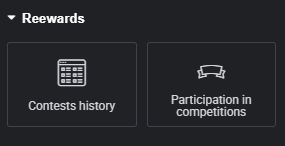
2 – Use Elementor widgets
To activate your PRO license and access all features, you must:
1 – Download the PRO plugin and activate it on your site
In the My Account > License Key tab, download the zip file and go to your site > Extensions > Add Extension and upload the file.
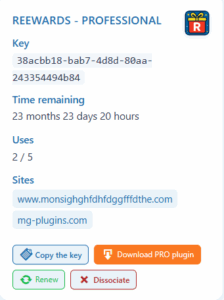
2 – Enter your license key in the REEWARDS plugin
Go to your admin settings, in the REEWARDS tab > Settings > PRO, enter your license key
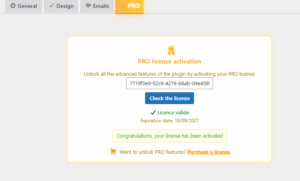
Congratulations, you now have access to all PRO features.
Please note that you must update the plugins regularly to benefit from new features
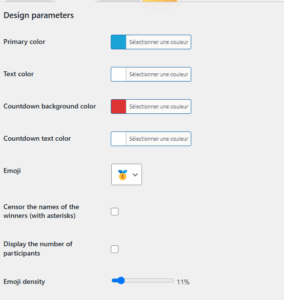
To change the colors and design of the plugin, go to the admin menu, under the REWARDS tab > Settings > Design.
Select the design according to your preferences and your brand !
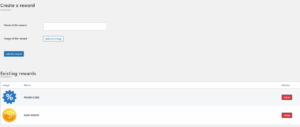
To create rewards, go to the REWARDS tab > Rewards. Add the name and image of your reward.
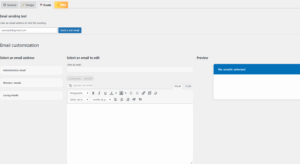
To customize the emails sent to participants, go to the REWARDS tab > Settings > Emails
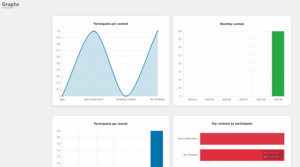
To access statistics, go to the admin menu, REWARDS > Statistics
Please note: this feature is only available to users with a PRO license
To export your contests in PDF/CSV format, go to the REWARDS tab > Contests > and click on the desired button
Please note: this feature is only available to users with a PRO license
